
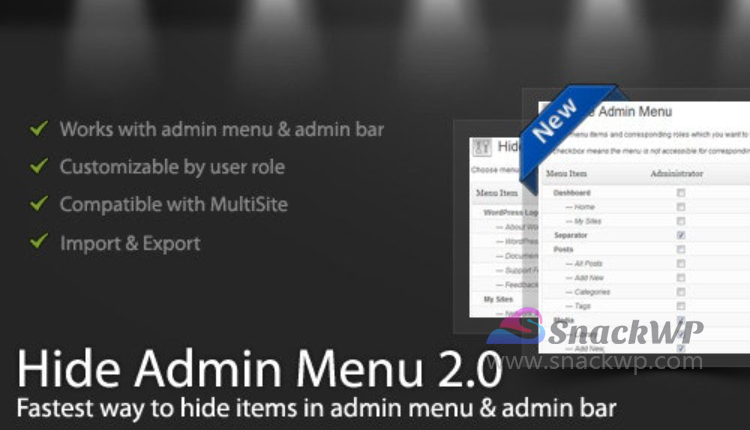
The WordPress Hide Admin Menu plugin allows you to conceal the admin menu and admin bar items in the WordPress admin area according to user roles. Simply check the boxes next to the menu items and user roles you want to modify, then save your changes. This will create a more streamlined menu for your clients and users, helping you to hide crucial menu items that you prefer they do not access, such as the settings page, account details page, and more.
Related products:
- WooCommerce Bambora Payment Gateway Extension v2.9.5
- WP All Import WooCommerce Addon WordPress Plugin v4.0.6
- Envira Gallery Password Protection Addon WP Plugin v1.4.9
- JetWooBuilder WordPress Shop Page Builder Plugin v2.3.4
Product Activation
You do not have access! (Purchase this product or join membersip to view these license credentials.)
| License status | Activated |
| License key | d31d0d91-****-****-****-************ |
| Note | If this product requires license activation to work, use these credentials to activate. Or ignore it if not required. |
You must log in and be a buyer of this download to submit a review.

